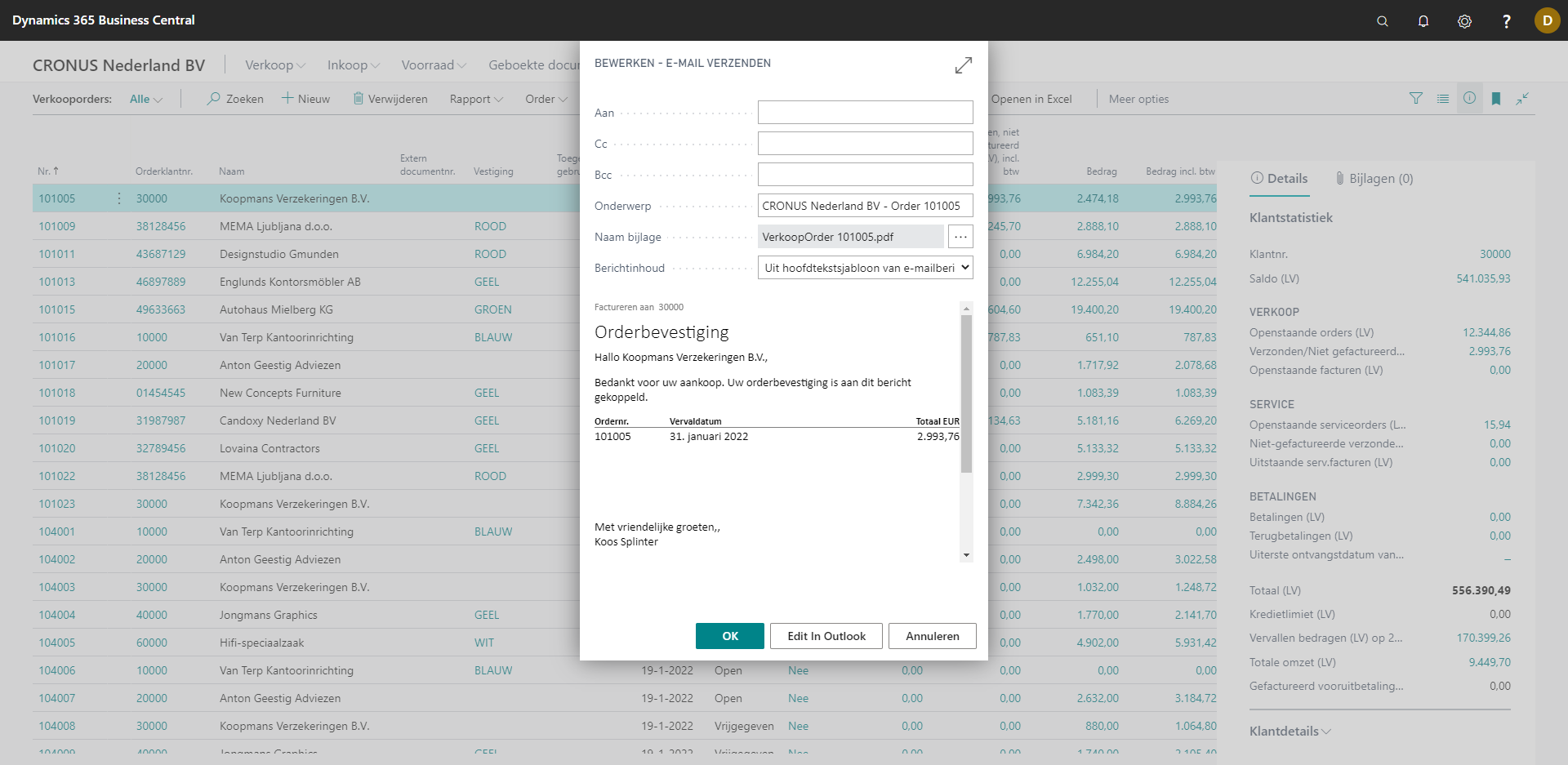
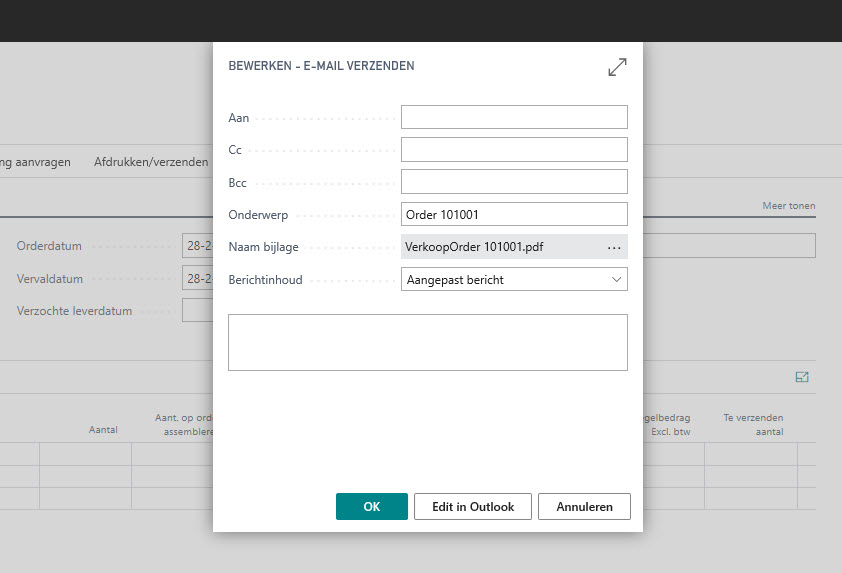
Wanting to send your Microsoft Dynamics 365 Business Central emails with Microsoft Outlook?
With Microsoft Dynamics 365 Business Central you can easily send documents as a PDF or as an electronic document via email to your customers, and create beautiful email templates in the style of your company. But with standard Business Central you can’t send them with Outlook without adding your e-mail address in Business Central. With Edit in Outlook you can. Send your sales & purchases quotes, orders, invoices and other documents with Outlook. Use the email templates from Business Central, and easily open and edit your outgoing emails within Outlook. After sending, the email is stored in your personal outbox in Outlook. Various documents such as orders and invoices can be sent directly from Business Central via e-mail as a PDF or as an electronic document.
Features & Benefits
Send documents through Outlook
Send documents through Outlook
Send documents through Outlook
Add attachments
Send from your own email address without adding it to Business Central