Want to optimize your Microsoft Dynamics 365 Business Central document storage and capacity?
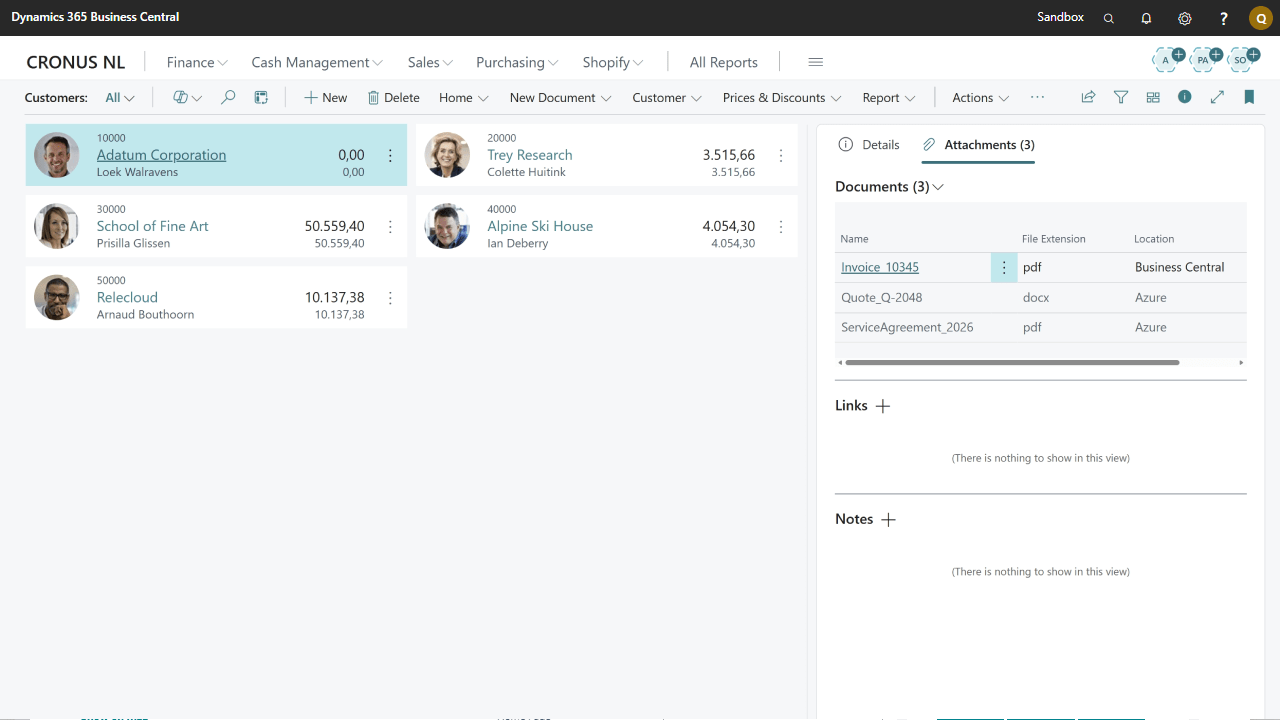
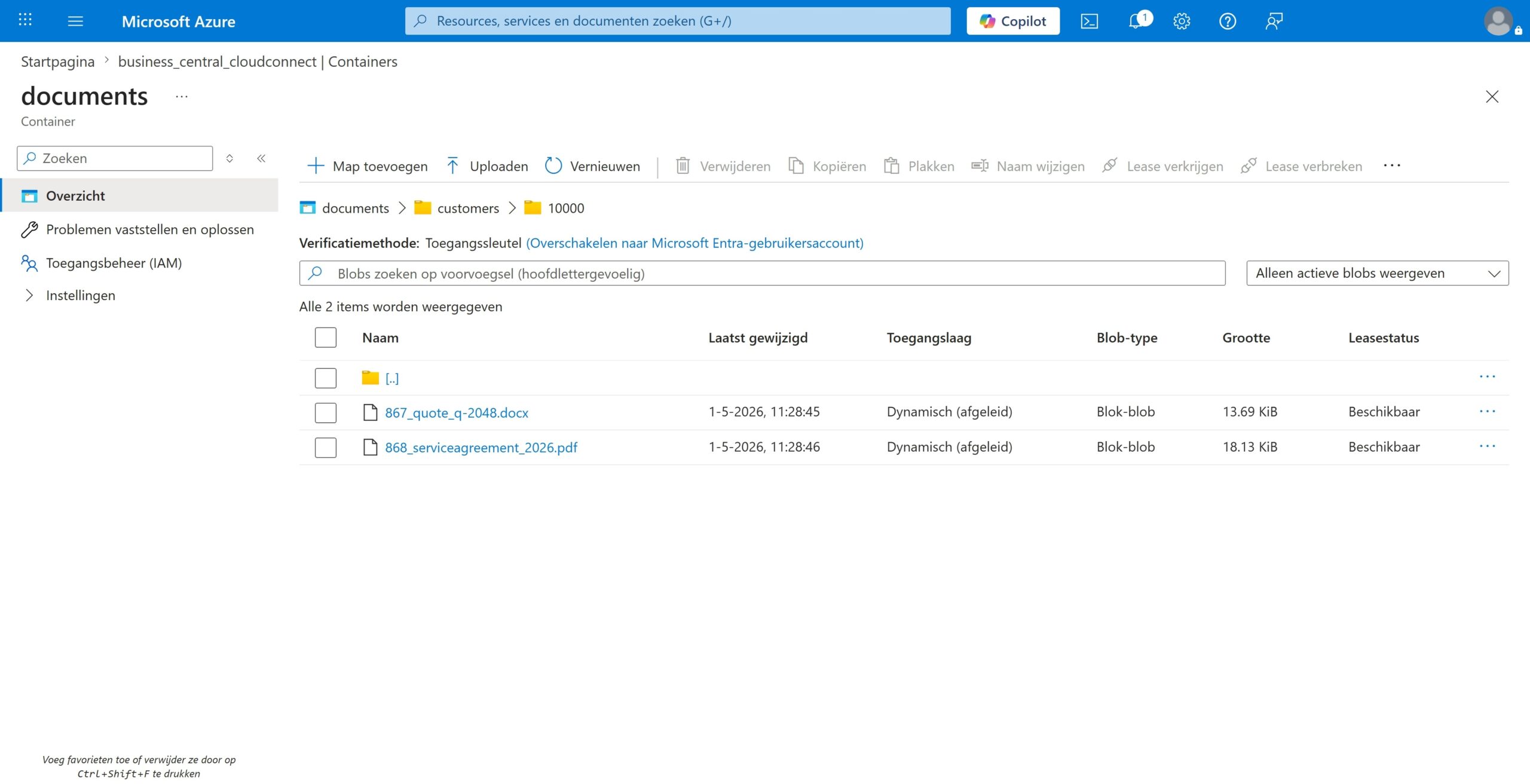
With Microsoft Dynamics 365 Business Central you can easily attach documents and files to your business records. Q-Team Solutions’ Cloud Connect app maintains this simplicity while seamlessly storing documents using external cloud providers, such as Azure blob storage.
With Cloud Connect you can optimize your database performance while maintaining full functionality and user experience. Your documents remain easily accessible from within Business Central – users attach and view files exactly as before, while Cloud Connect automatically handles the external storage behind the scenes. Reduce backup times, improve system performance, and maintain complete control over where your business documents are stored.
Coming soon!
OneDrive support.
Intelligent storage routing – automatically direct different document types to specific storage providers based on your business rules (e.g., invoices to Azure, contracts to OneDrive, temporary files to local storage).
Technical specifications
Available for Business Central SaaS
Compatible with Azure Blob Storage
Features & Benefits
Store attachments in external cloud providers
Seamless integration with most workflows
Support for Azure Blob Storage
Easy uploading and downloading of your attachments
Optimize your storage and database performance
Return all stored files from external storage whenever you'd please