


To add and register the Address Details app, follow the instructions listed underneath.
In the action ribbon, select from ‘Products’ the action ‘Activate Product’.
To add the app to your Business Central select Free Trail in the App Source (See Installation On Premise if you have Business Central On Premise).
Buy a key from the Q-Team Solutions webshop.
https://www.q-teamsolutions.com/product/bag
In your Microsoft Dynamics 365 Business Central environment, search for the page ‘Q-Team Product Overview’.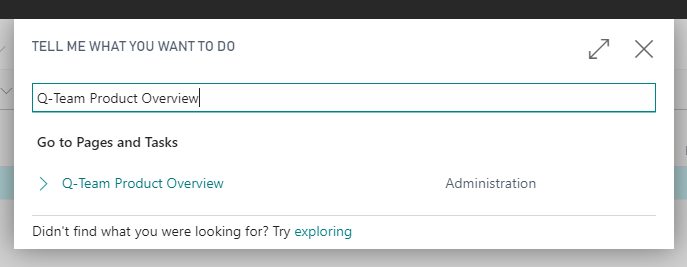
In the overview, there will be an entry about the Address Details app.
