Tired of manually attaching those files? We’ve got you covered!
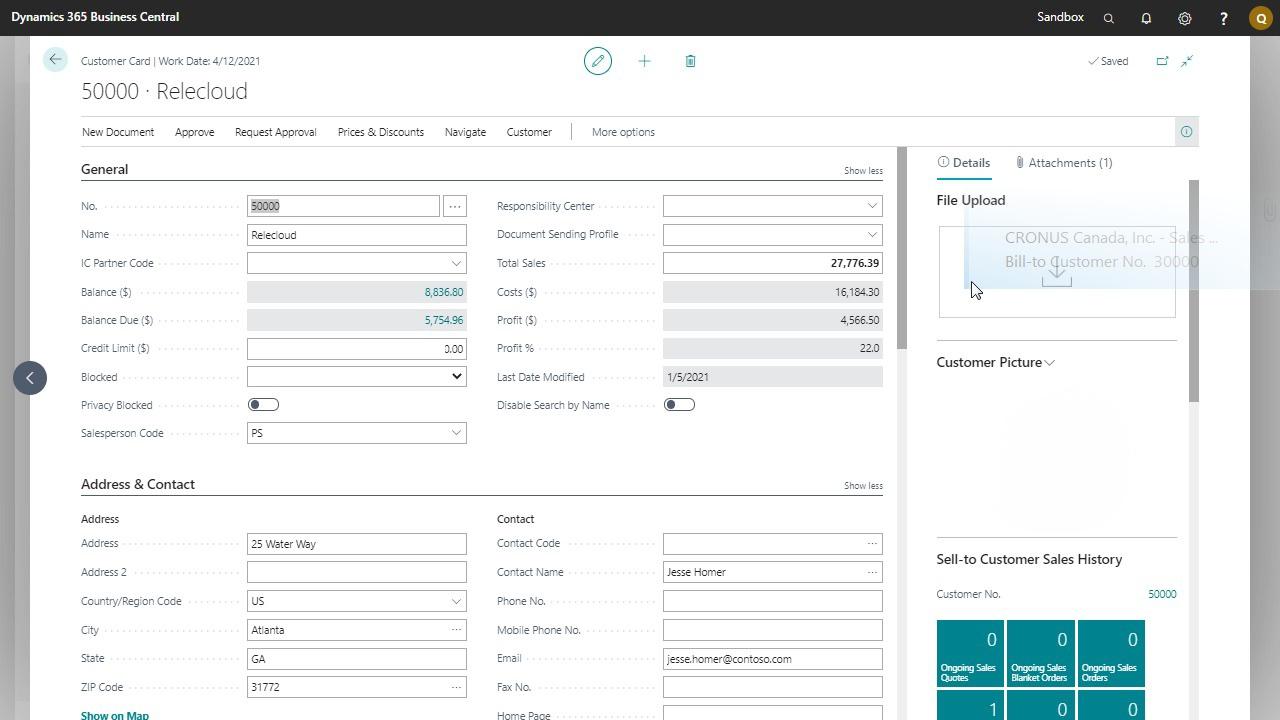
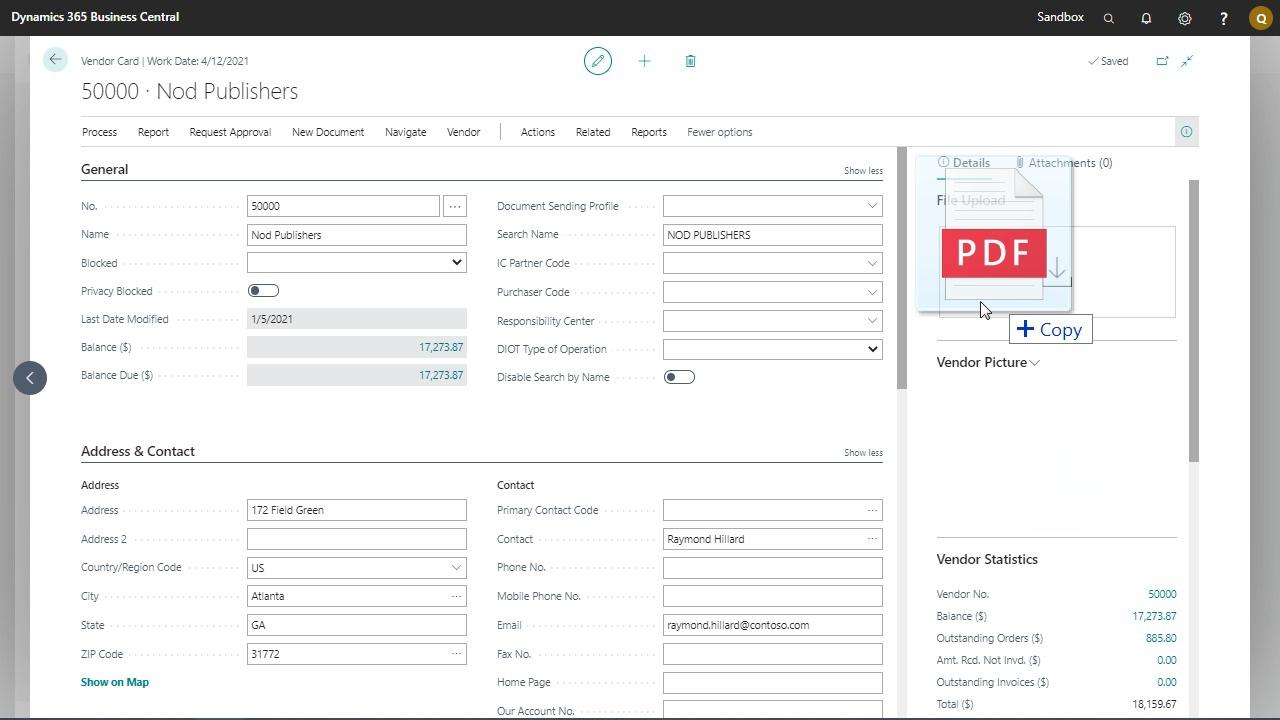
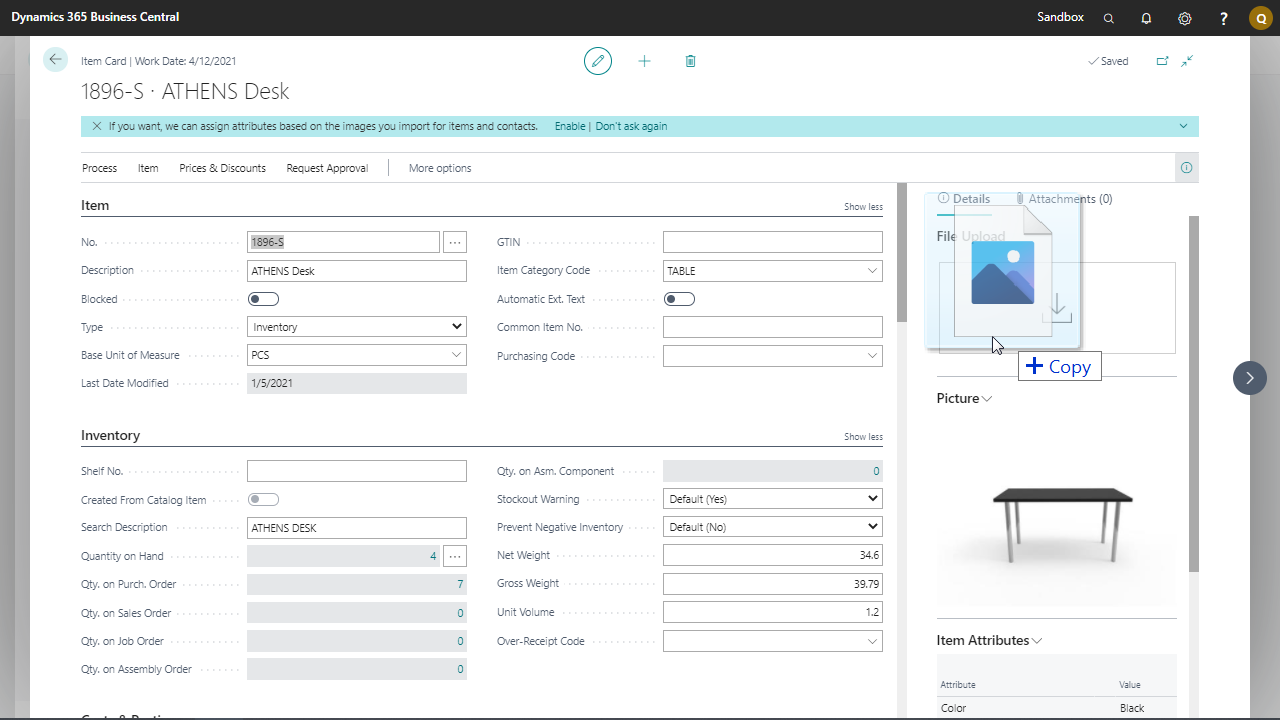
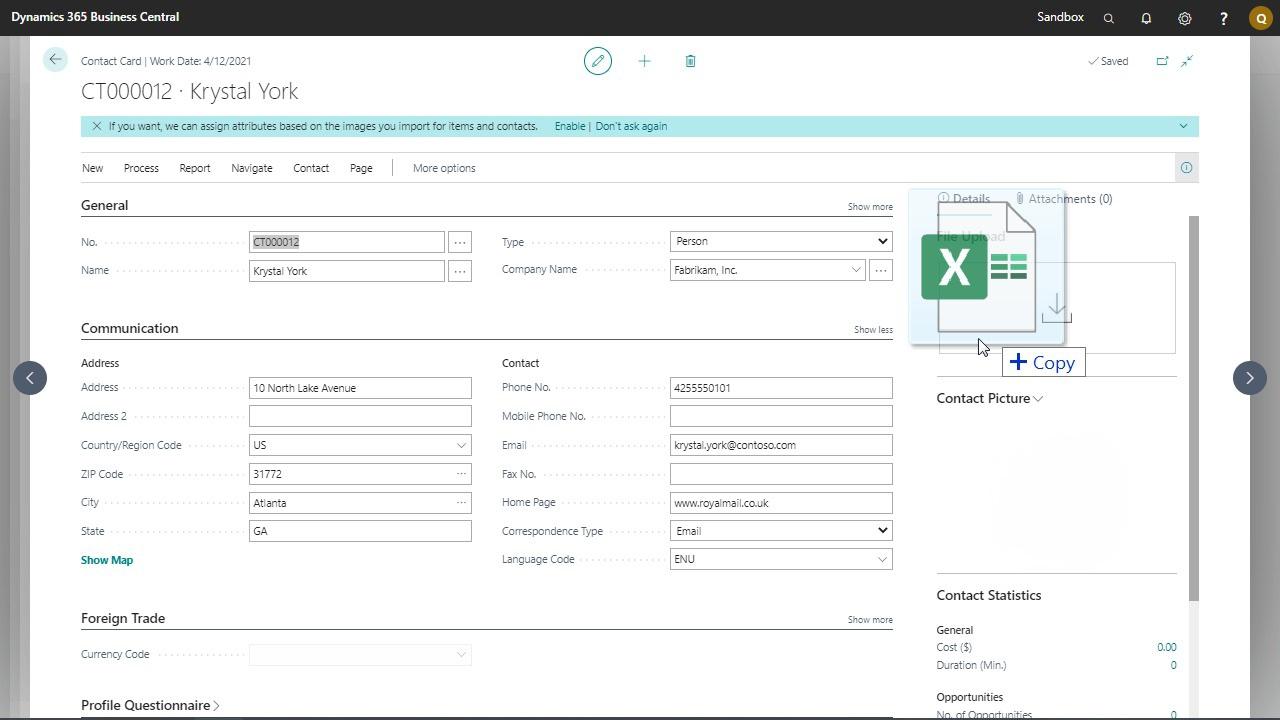
With Dynamics 365 Business Central you can add documents to customers, contacts, vendors and items. But with standard Dynamics 365 Business Central you can’t simply drag and drop them.
With Drag and Drop from Q-Team Solutions you can. Drag emails directly from Outlook and Windows Explorer and drop them into Business Central. Save time!
Key features and benefits
Drag emails directly from Outlook into Business Central
Drag document into Business Central
Pricing
Free
Technical specifications
Available for Business Central SaaS
Available for Business Central OnPrem (all versions)
Compatible with Outlook (O365)
Included
24/7 Online support
Auto updates
Supported editions
The app supports the Essentials and Premium Editions of Microsoft Dynamics 365 Business Central.
Supported countries
This app is available in all countries where Business Central is provided.
Supported languages
This app is available in following languages
Danish (Denmark)
Dutch (Belgium)
Dutch (The Netherlands)
English (United States)
French (Belgium)
French (France)
German (Germany)
Norwegian (Norway)
Polish (Poland)
Spanish (Spain)
Ukrainian (Ukraine)
Features & Benefits
Sleep e-mails rechtstreeks vanuit Outlook naar Business Central.
Sleep documenten naar Business Central.
Add signed quotes and orders to Sales Quotes and Sales Orders
Voeg ondertekende offertes en bestellingen toe aan Verkoopoffertes en Verkooporders
Voeg brochures en afbeeldingen toe aan uw producten.
Open Verkenner direct door op het sleep-en-drop-gedeelte te klikken.